AI Song Lyric Generator
Craft the next song of the summer or turn raw emotions into a soulful tune with Magic Write™’s lyric generator, powered by OpenAI. Start with a prompt and watch hooks, verses, and choruses come to life in seconds.
Magic Write™
See how it works
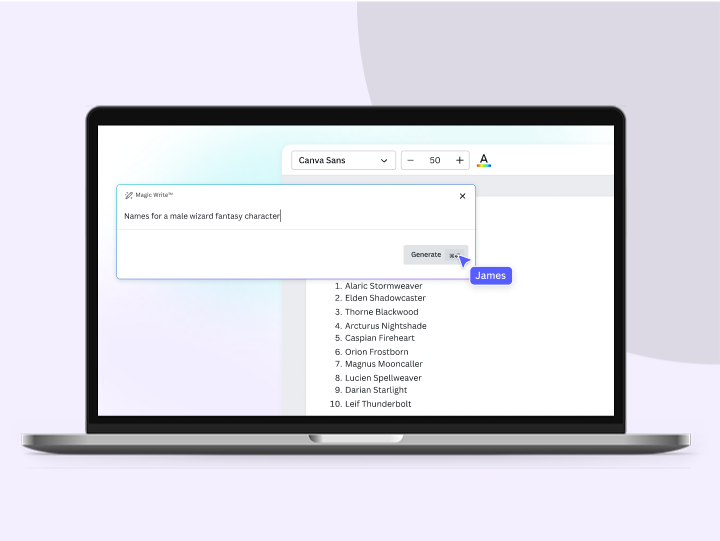
Interact with the sample prompts below to see the ideas generated by Magic Write.
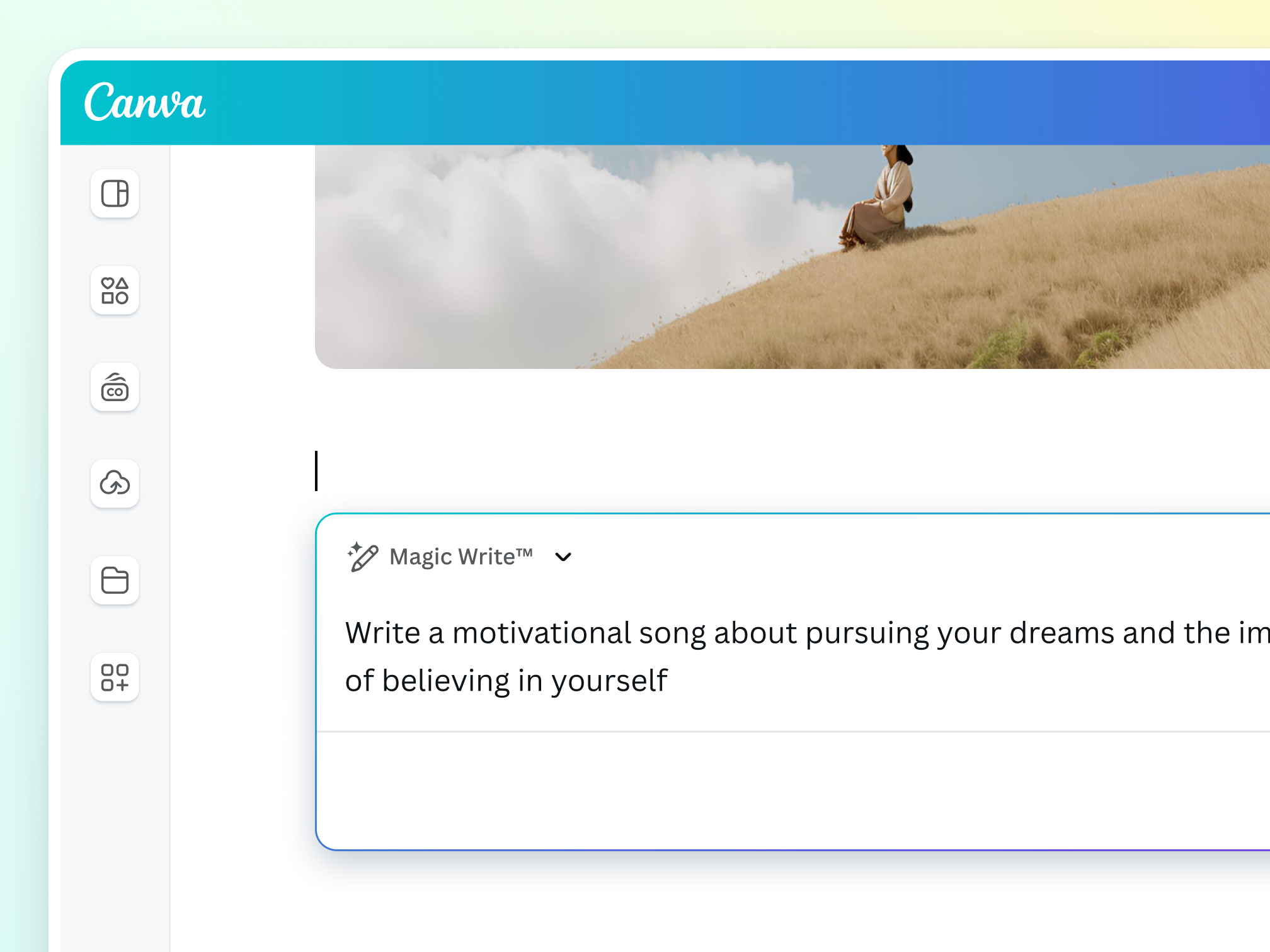
Say goodbye to songwriter’s block
Turn simple concepts into earworms with Magic Write™, Canva’s AI-powered lyric generator. Simply type a text prompt describing your song’s theme, story, and style to start writing your next big hit. From pop to country, K-pop to rap, our AI lyrics generator can generate song lyrics for any genre.
Start with limited queries from our free song lyric generator and unlock more with Canva Pro.
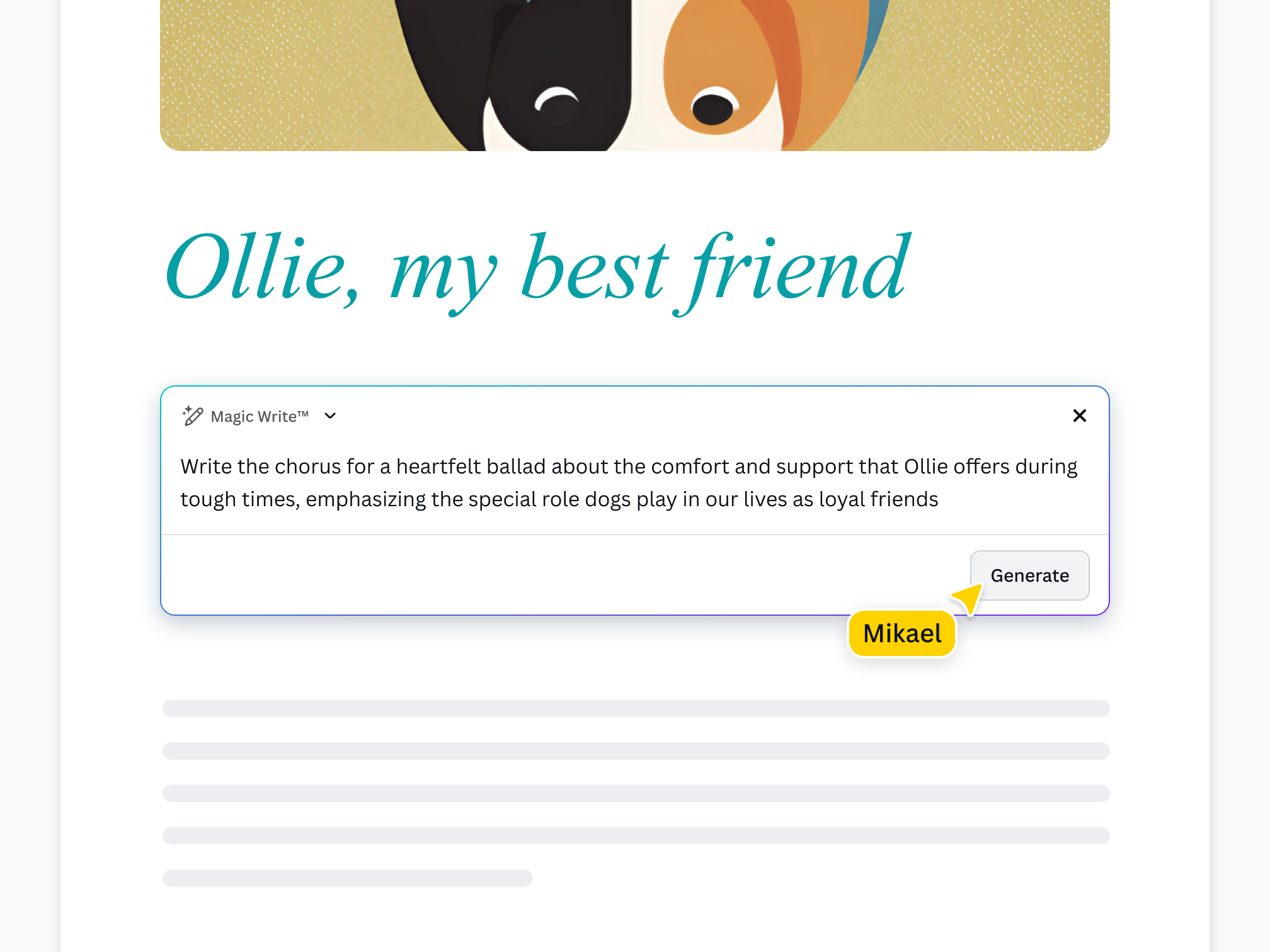
Get into the groove in no time

Fresh ideas in no time
Don’t let the blank page overwhelm you. Think of Magic Write™ as your personal idea generator. Whether you’re just getting started or are stuck on a verse, just input a few keywords or phrases to generate fresh new ideas in seconds.

Remix any theme and genre
There are no bad ideas in brainstorming. Get creative and mix and match topics, genres, and styles – whether that means writing an evocative ballad about first love or a silly rap song about your pet dog.

Let inspiration strike anywhere
Magic Write™ goes with you anywhere, so you can chase that elusive muse and write when inspiration finally strikes. Access Magic Write™ on any device, from your desktop to your phone.
Your all-in-one songwriting studio

Collaborative songwriting made easy
Songwriting need not be a solitary process. Give your favorite collaborators editing access to your Canva Docs for seamless, real-time collaboration.

Paint the full picture with striking visuals
Visualize your AI-generated lyrics on Canva Docs. Design album covers and song visualizers with photos, graphic elements, and AI-generated art.

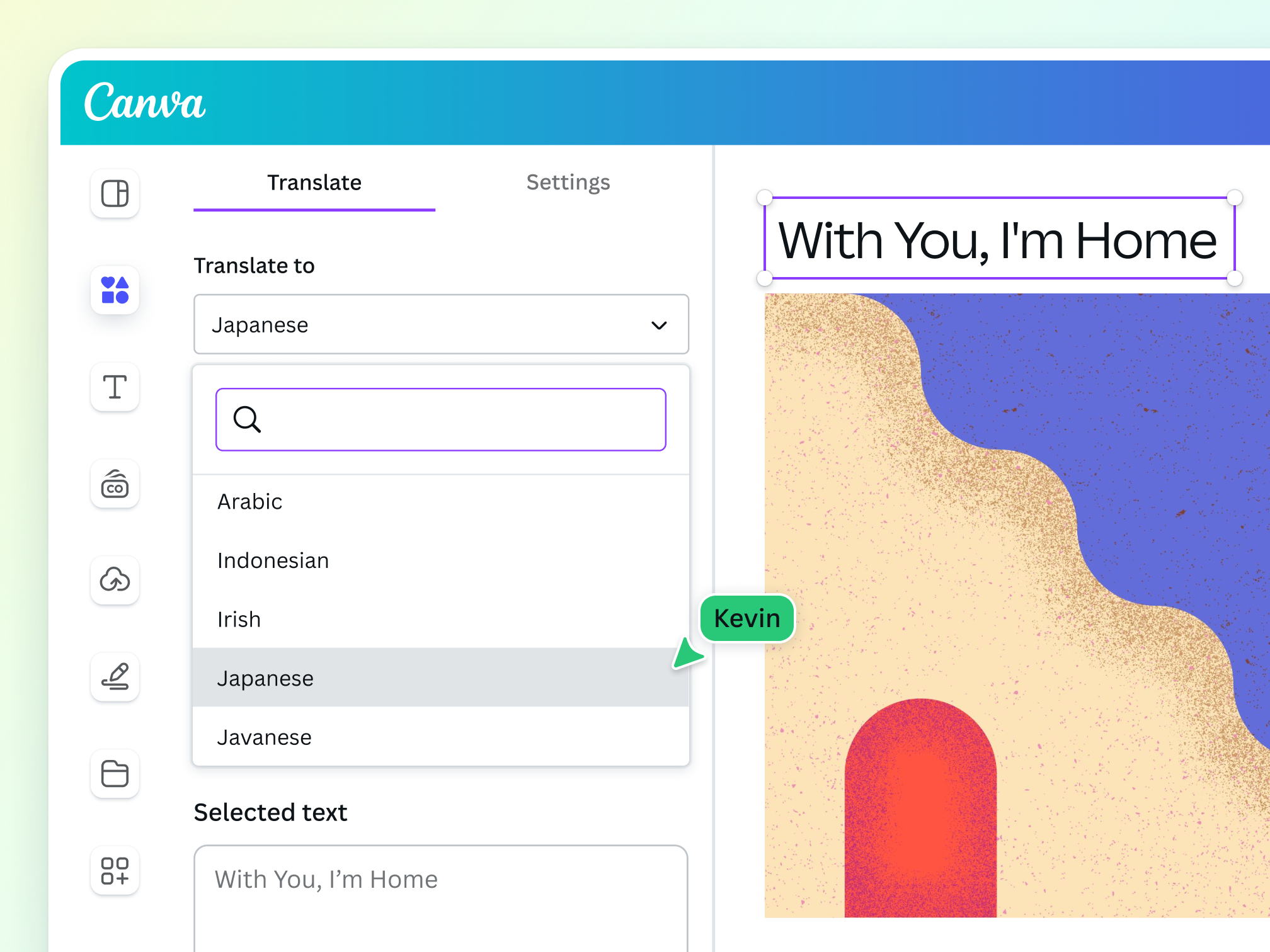
Write songs in any language
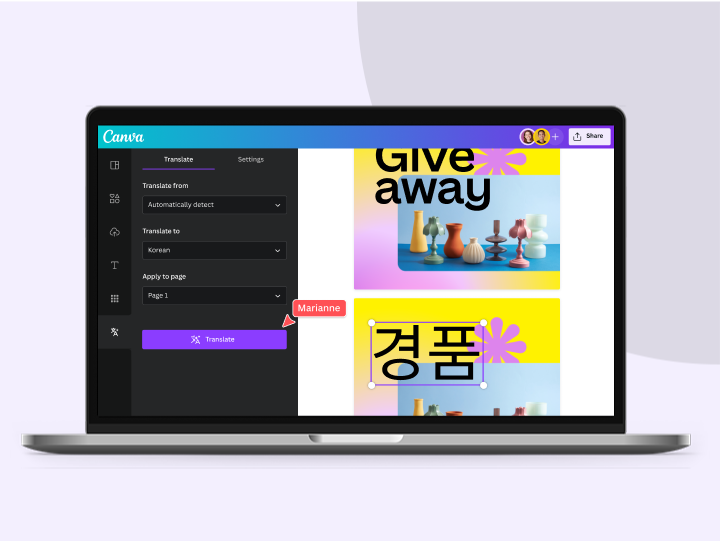
Write in your native language or reach more audiences with Translate (Pro), our AI-powered translator. Choose from over 100 languages, from Spanish, Portuguese, French, Arabic, and more.
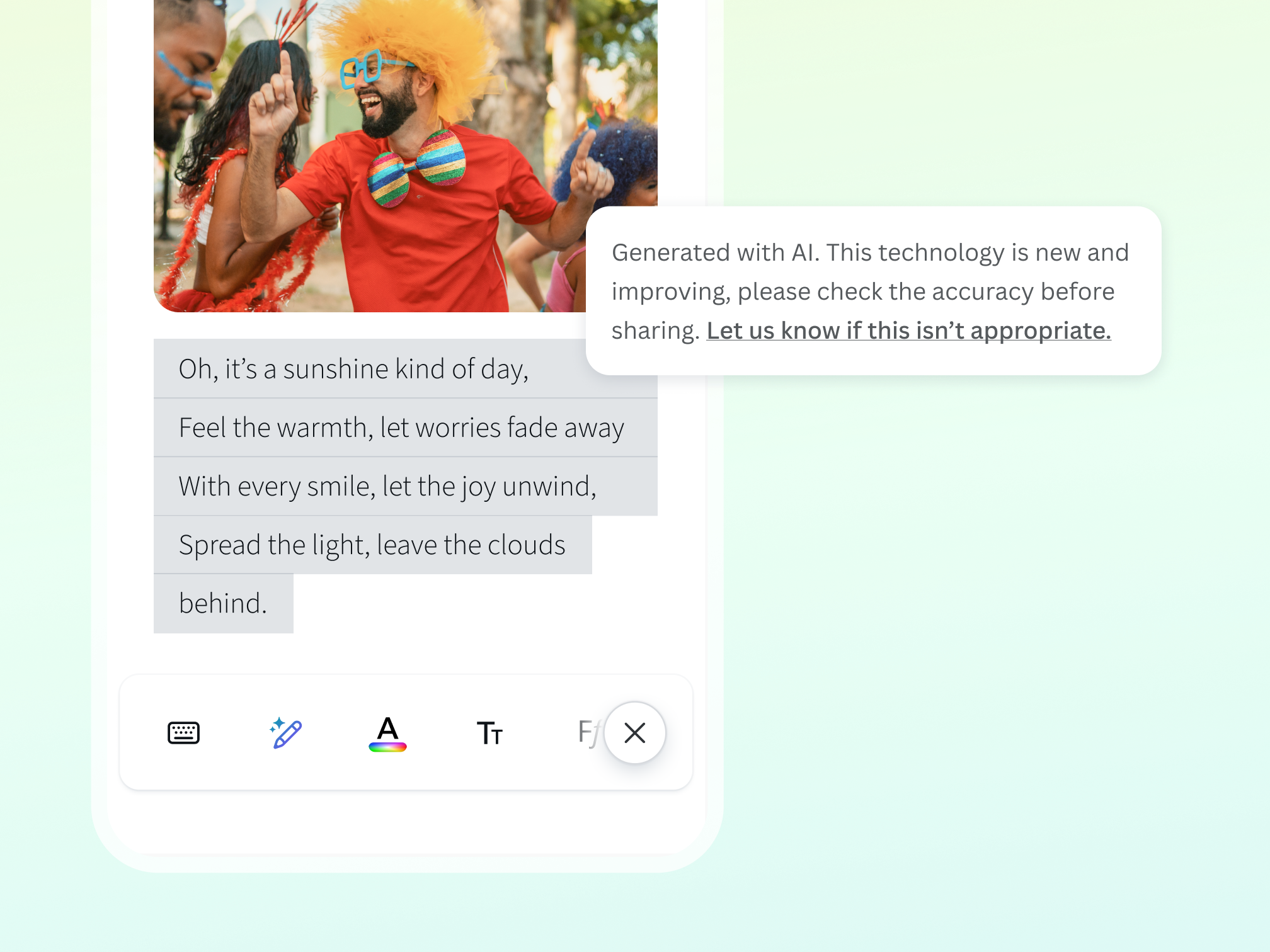
A safe and sound songwriting environment
Push the boundaries of your imagination with Magic Write™. To protect your creative process, Canva has put in layers of safety measures, including blocking prompts that may generate inappropriate content. We won’t tolerate any use of the AI song lyrics generator that violates our Terms and Acceptable Use Policy.
For every kind of songwriter

For content creators
Stand out from other content creators with original songs you won’t find anywhere else.

For entrepreneurs
Hype up your brand or advertise new products with a catchy, original tune.

For everyone
Use our song generator to pen a lullaby, express your heartfelt feelings with a love song, or add lyrics to a new composition.
All the AI writing features you need
Get to your first draft fast with Magic Write™’s AI song lyric generator. Start with a prompt, and watch the magic happen. Write verses, hooks, choruses, and whole songs in minutes – all in one place.

Brainstorm faster and find new ideas
Magic Write™, an AI Writer and idea generator, helps you come up with ideas and topics you may have never even thought of.

Generate short-form text
Create any short-form text—from social media captions, profile bios, product descriptions, and more—with a few prompts.

Generate long-form text
Quickly craft high-quality, long-form content for blogs, sales emails, feature stories, and more. Experience a faster writing process.

Create outlines
Use Magic Write™, an AI writing assistant, to effortlessly generate outlines for articles, blogs, or essays and to better structure any piece of content.

Create lists
An AI writer tool that lets you generate lists—from pros & cons lists to marketing strategy lists—so you can focus on writing better, faster.

Headline generator
Generate catchy headlines, titles, and taglines fit for your blog, article, essay, story, or more with the keywords you specify.
Paragraph generator
Generate complete paragraphs for articles, essays, stories, blogs, and other content types in your desired tone or voice.

Rewriting tool
An AI-powered tool to help you rewrite any piece of content, so you can focus on getting out that first draft, fast.

Expand writing
When stumped for words and ideas mid-sentence, let Magic Write™ continue writing and expand the rest of your content.
Edit content
An AI-powered text editor and grammar checker automatically edits typos and zaps grammar mistakes so you can speed up your creative process.

Paraphrase tool
An AI-powered paraphrasing tool that will reword and rewrite any piece of content, so you can focus on spinning and editing it into a creative sentence or paragraph.

Summary generator
An AI-powered text summarizer tool that will condense and extract key topics from any piece of content, so you get a shortened, more readable version.
How to use our AI lyric generator
Start with a template or blank design
Create a new design or Canva Doc or open an existing one.Launch Magic Write™
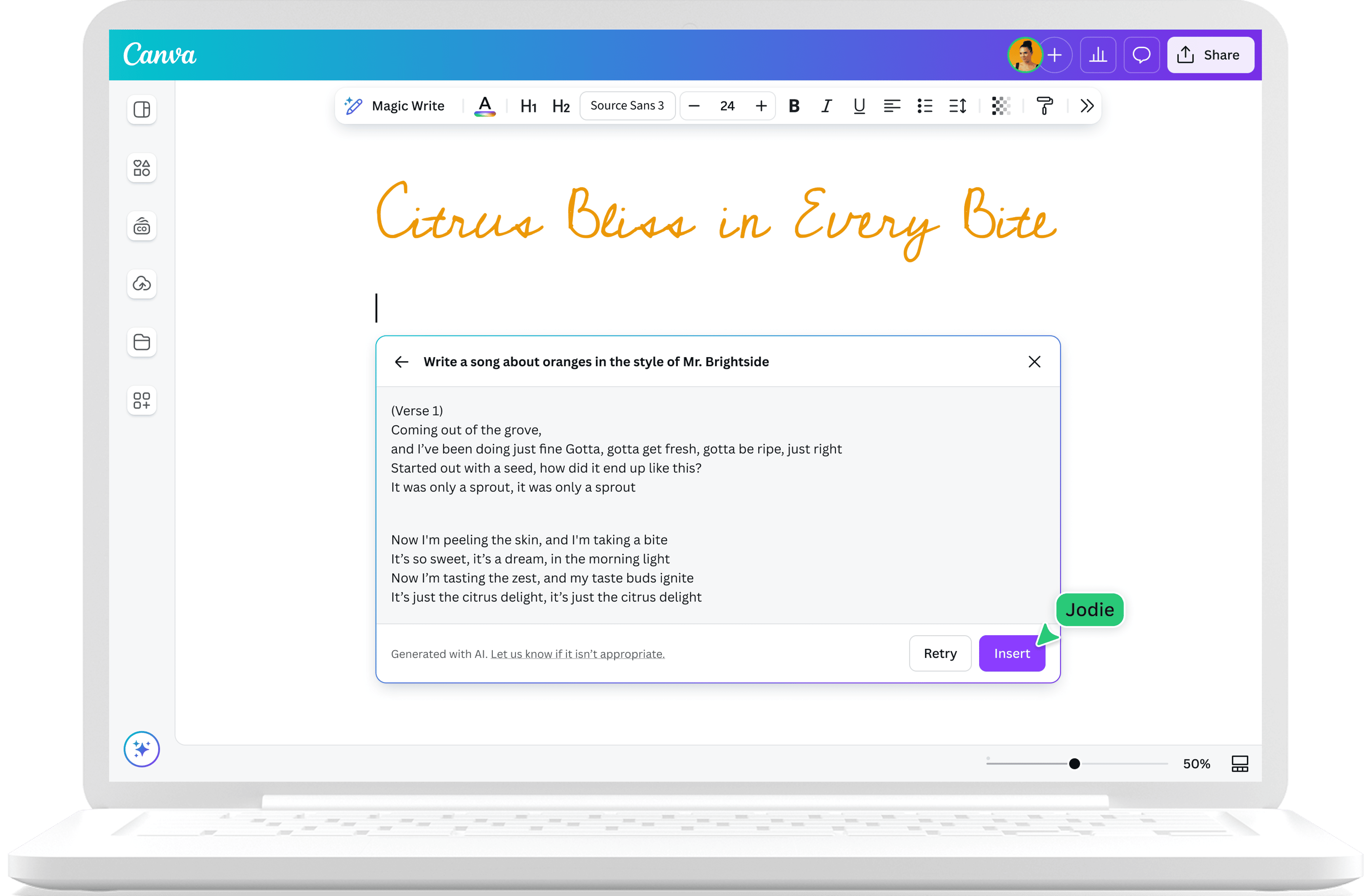
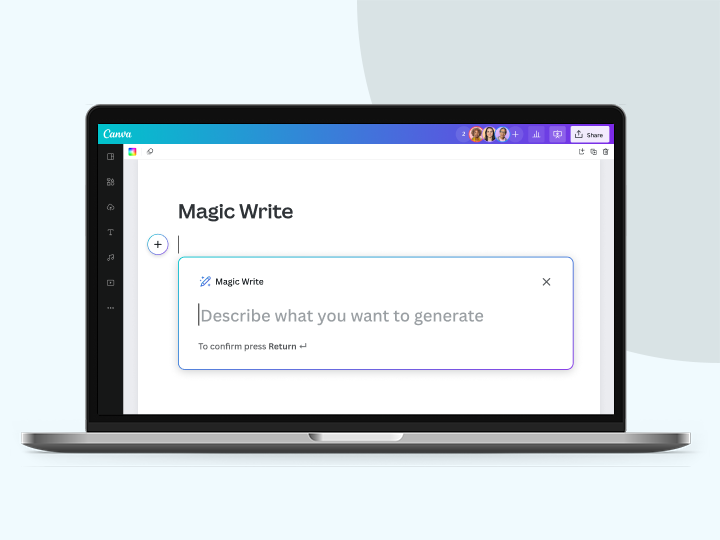
Access our AI lyric generator with the Canva Assistant button or type / as a shortcut. In a Canva Doc, tap the + icon. Then select Magic Write from the list.Craft your text prompt
In 200 words or less, describe your song lyric idea. For example, “Write a song about oranges in the style of Mr. Brightside.”Generate your song lyrics
Provide as much detail as possible in your prompt, hit Enter, and watch your lyrics unfold. Refine your prompt for more options.Edit and share your lyrics
Edit your AI lyrics to match your desired tone and theme. Share your song as a Canva Doc or transform it into an editable design.
Your questions, answered
An AI lyric generator is an online tool that creates song lyrics out of a text prompt detailing the song’s theme, topic, genre, style, and other key details. Magic Write™, Canva’s lyric and text generator, is powered by OpenAI and has built-in layers of safeguards to deliver safe and responsible results.
More resources
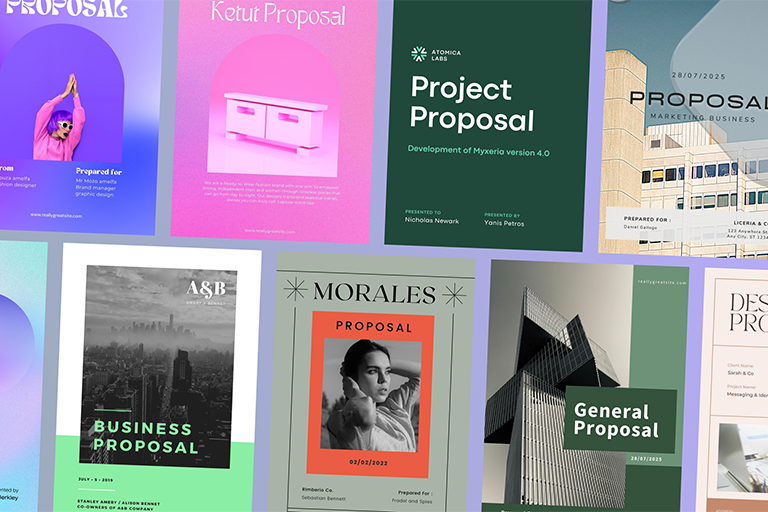
Learn the basics for creating your ideal document.

Visual communication for future managers
Communicate your ideas visually to become an inspiring leader.

How to organize your blog post while you write
Structure your thoughts and ideas for an awesome blog post.

Create a landing page on Canva
DIY your dream landing page in clicks.
Discover more products



AI Song Lyric Generator
Craft the next song of the summer or turn raw emotions into a soulful tune with Magic Write™’s lyric generator, powered by OpenAI. Start with a prompt and watch hooks, verses, and choruses come to life in seconds.